What Happens When You Put a Coin on Your Router: The Airflow Truth
Using a coin to boost Wi‑Fi won’t work and can even block router vents, causing overheating and slower connections.
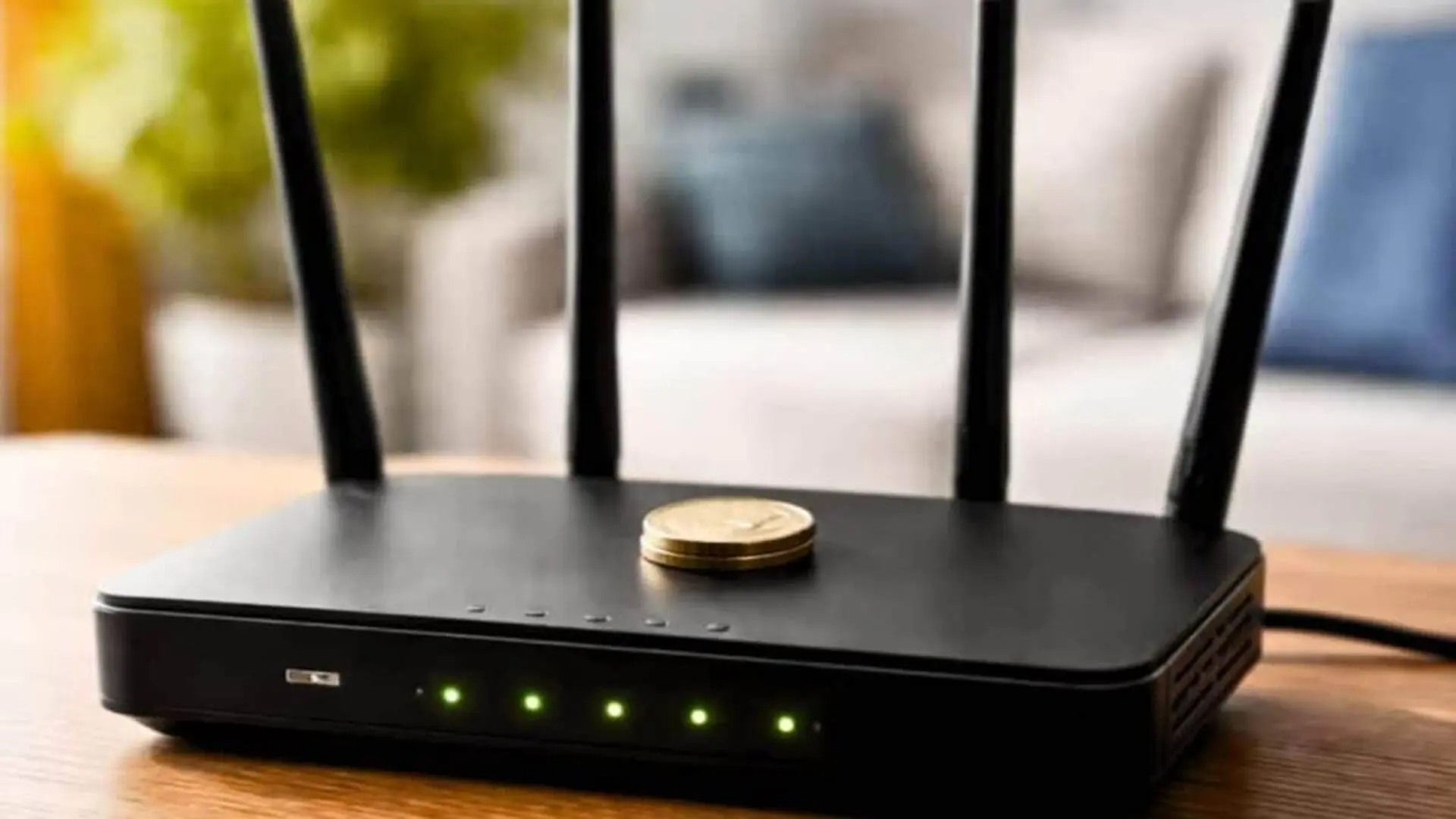
A viral video showing a coin perched on a router while a speed‑test spikes has been shared millions of times, prompting countless users to try the same trick and report apparent gains. The meme has taken on a life of its own, but the boost has nothing to do with wireless signal strength.
Online explanations for the practice fall into two camps: some claim the metal piece acts as an extra antenna element, while others argue it helps draw heat away from the device during heavy traffic. Both ideas sound plausible to non‑experts, yet neither withstands technical scrutiny.
In reality, the effect of placing a coin on a router is tied to airflow, not radio frequency performance.
Most consumer routers rely on passive cooling through vents cut into the chassis. The internal processor, radio amplifiers, and power‑management chips generate heat continuously, and that heat must be expelled. When temperatures exceed design limits, the router may lower transmit power, throttle the CPU, or briefly disable the radio to protect itself.
On models that locate their ventilation slits on the top surface, a foreign object—such as a coin—can block the flow of air. Users who experience intermittent slowdowns or dropped packets after trying the hack are likely witnessing these thermal protection mechanisms, not a signal enhancement. Persistent overheating also shortens the lifespan of internal components.
Origins of the Coin‑on‑Router Advice
The meme appears in two dominant variants. One portrays the coin as a passive reflector that reshapes the Wi‑Fi radiation pattern; the other describes it as a makeshift heat sink that pulls warmth away from the circuitry.
A less common version simply suggests the coin adds weight to keep lightweight routers from sliding on smooth surfaces when cables tug. This practical use has no bearing on network performance.
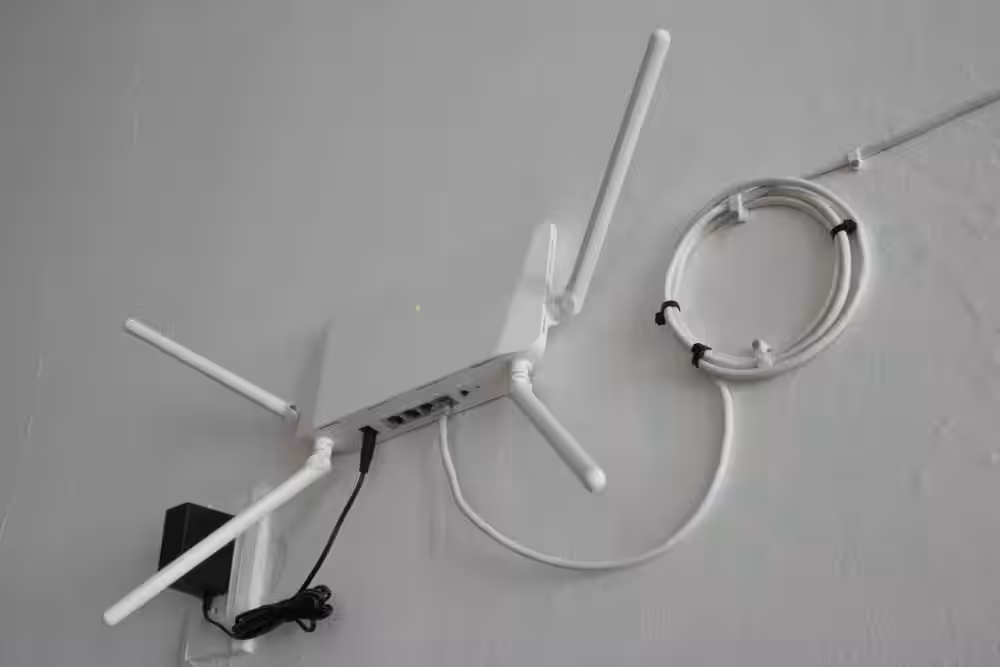
The antenna narrative persists because it borrows just enough terminology from legitimate engineering to appear credible. In professional wireless deployments, directional reflectors and parasitic elements do influence coverage, and hobbyist experiments have shown modest signal steering with carefully designed metal reflectors.
However, those engineered components are sized and positioned for precise wavelengths, whereas a random coin placed on a plastic case lacks the required dimensions, geometry, and electrical connection to affect a router’s antenna system.
Why a Coin Can’t Alter Wi‑Fi Radiation
Home routers transmit on two bands: the 2.4 GHz band, which offers longer range and better penetration through obstacles, and the 5 GHz band, which provides higher throughput over shorter distances. Modifying the radiation pattern at these frequencies demands a conductor sized to the wavelength—measured in centimeters—and engineered for proper impedance, polarization, and gain.
A typical coin is far too small and electrically mismatched to serve as an effective antenna element. Even though coins are good conductors, they lack any connection to the router’s radio circuitry, rendering them inert with respect to signal generation.
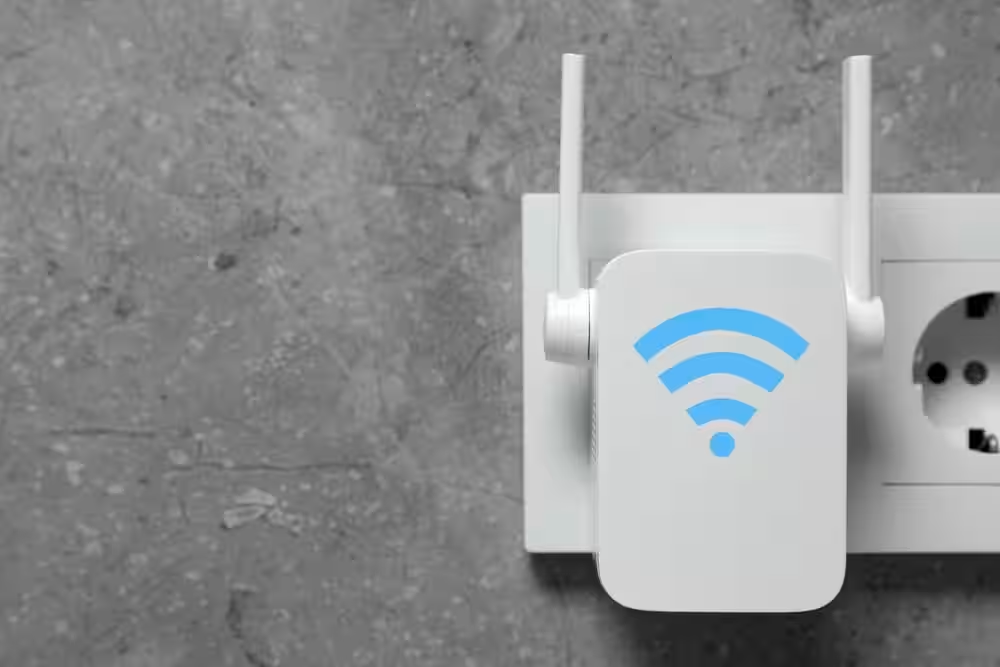
Antennas are purpose‑built structures that transform electrical currents into electromagnetic waves and vice versa. Simply placing a metal disc on the router’s exterior does not participate in that conversion, and radio waves obey immutable physical laws that cannot be overridden by an improvised metal piece.
How Metal Interacts with Wireless Signals
The presence of metal actually degrades indoor Wi‑Fi. A blog from 7signal identifies metal as the most disruptive building material because it conducts electricity, absorbing and scattering electromagnetic energy, which leads to signal loss.
Network engineers routinely advise keeping the vicinity of a router free from metal objects. While a single coin is unlikely to cripple a network on its own, positioning metallic items directly on the device contravenes best‑practice deployment guidelines.
A study cited by 7signal and conducted by the National Institute of Standards and Technology showed that 203 mm of concrete attenuated a 5 GHz signal by over 55 dB. Reinforced concrete, brick‑faced masonry, metal doors, elevator shafts, and floor‑heating systems all exhibit similar attenuation because conductive or dense materials sap energy from radio waves.
Proven Ways to Boost Home Wi‑Fi
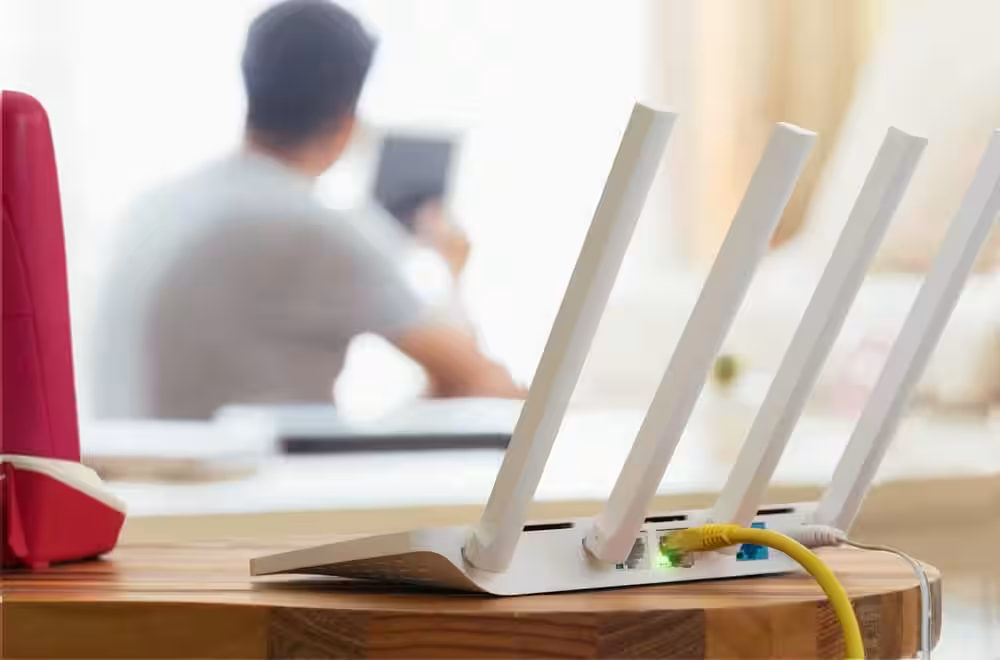
The most effective lever a user can pull is optimal router placement. Positioning the device centrally, elevated, and away from obstructions yields far greater performance gains than any unverified hack. A router hidden behind a TV or cramped inside a cabinet often delivers noticeably poorer speeds than the same model placed on an open shelf.
Certain household environments inherently challenge Wi‑Fi. Kitchens generate electromagnetic interference from microwave ovens, while the 2.4 GHz band also contends with Bluetooth peripherals, cordless phones, and baby monitors. Large metal appliances, filing cabinets, and windows can reflect or absorb signals, diverting energy away from indoor devices.
Fluctuations between the 2.4 GHz and 5 GHz bands can mislead users into attributing improvements to the coin. A device that automatically shifts to a cleaner channel or a less congested band may show higher throughput, even though the router’s hardware remains unchanged.
Consequently, a coincidence of normal channel reallocation or client roaming can be mistakenly linked to the coin’s presence, reinforcing the myth despite a lack of causal connection. Documented causes of poor home Wi‑Fi—such as concrete walls, metal objects, and crowded spectrum—are unrelated to a piece of change placed on the router’s case.
This article has been fact checked for accuracy, with information verified against reputable sources. Learn more about us and our editorial process.
Last reviewed on .
Article history
- Latest version
Reference(s)
- Cook, Don. “These 3 Materials Are the Worst for Wi-Fi Signals.”, December 29, 2021 7Signal <https://7signal.com/blog/worst-building-materials-for-wi-fi/>.
Cite this page:
- Posted by Farah Siddiqui