Why Do They Recommend Placing a Coin on Your Wi-Fi Router, and What Happens If You Try It?
El truco de la moneda sobre el router está en todas partes pero ¿sabes realmente cómo afecta a tu red doméstica?
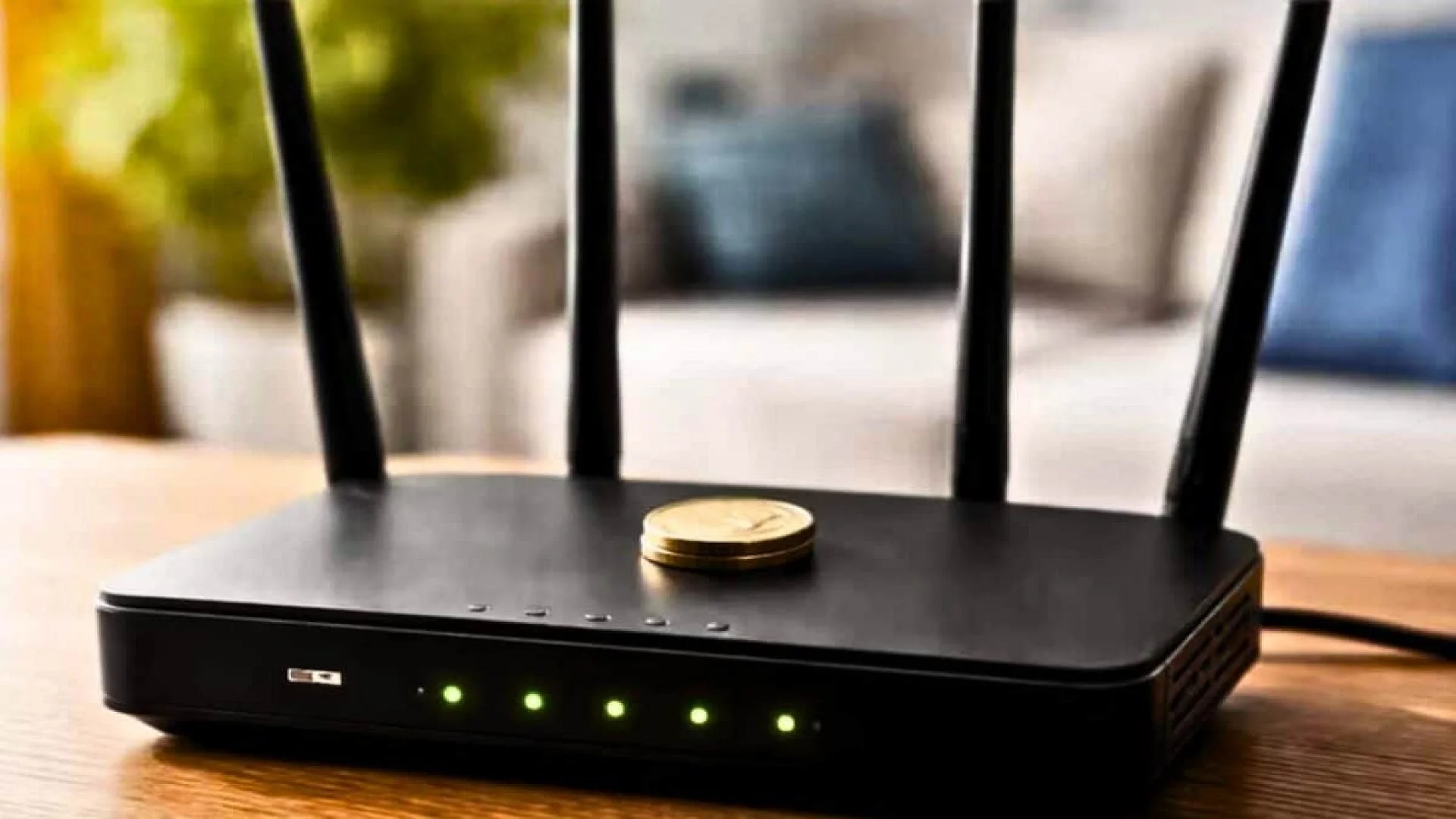
A gleaming penny perched on a dark plastic case, a flat metal disc balanced atop a router’s ventilation slots – these snapshots keep resurfacing across social media, each paired with a simple promise: put a coin on your Wi‑Fi router and watch the connection speed rise. The idea has circulated through tech forums and short‑form videos, marketed as a free remedy for weak signal zones and constant buffering.
Two popular rationales have been offered. One suggests the coin acts as a passive reflector, redirecting radio waves toward nearby devices. Another claims the metal helps dissipate heat from the router’s components during heavy use. A third, more mundane explanation simply states the coin adds weight, preventing a lightweight router from sliding when cables tug.
Network engineers agree that only the weight explanation holds any merit; the other two belong to a persistent mythology of home networking, kept alive by anecdotal claims and a vague understanding of wireless physics. A comprehensive technical review examined the coin‑trick assertions and found that neither the antenna hypothesis nor the heat‑dissipation claim survives detailed scrutiny.
Why a Small Coin Won’t Reconfigure Wi‑Fi Signals
Consumer routers operate on two bands. The 2.4 GHz band reaches farther and penetrates walls more readily, while the 5 GHz band delivers higher speeds over shorter distances and is less tolerant of obstacles. Adjusting the radiation pattern of an antenna that works at these frequencies requires a precisely engineered conductive element whose dimensions, geometry, and placement match the wavelength.
Wi‑Fi wavelengths span only a few centimeters. Designing an antenna involves careful balancing of impedance, polarization, and directional gain. A household coin is far too small and electrically unsuited to influence signal distribution in any practical way.
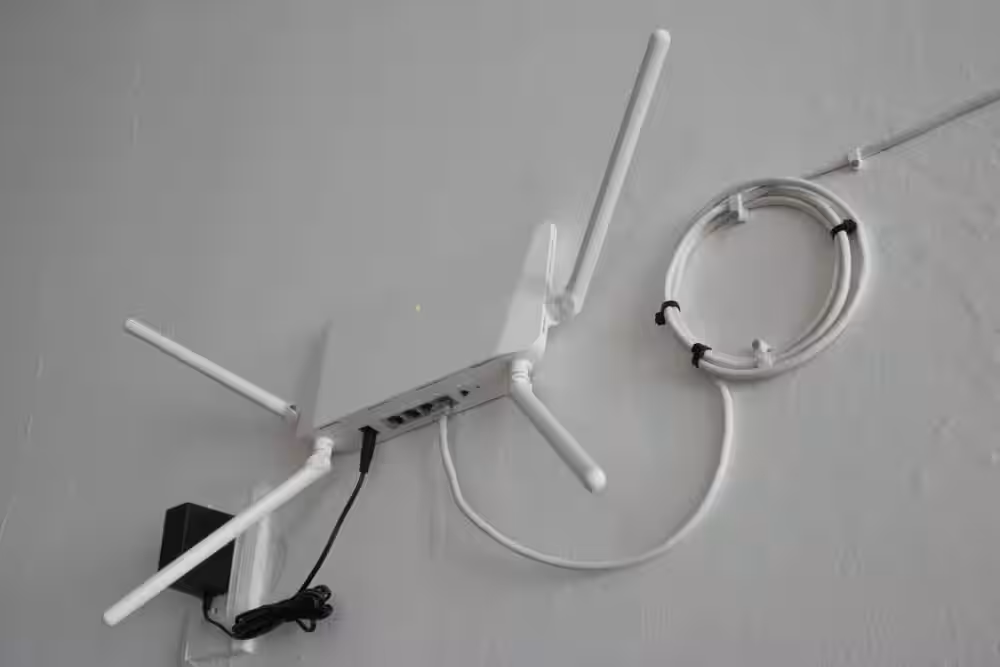
“Antennas are not simply any metal near a transmitter,” the analysis emphasizes. “They are tuned components that convert electrical signals into electromagnetic waves and back.” A coin resting on a plastic enclosure does not participate in that conversion and has no electrical connection to the router’s circuitry.
The notion persists because it resembles legitimate engineering at a glance. Professional wireless systems use directional reflectors and parasitic elements to shape coverage patterns. Some hobbyist projects have demonstrated modest signal redirection using carefully crafted metallic reflectors. However, those devices are built for specific frequencies and positioned next to active radiating elements – conditions a loose penny on a router cannot meet.
How Blocking Vents Can Harm Router Performance
If a coin makes any difference at all, specialists say the impact is negative. Consumer routers rely on passive cooling through ventilation slots cut into their housings. Internal processors, radio amplifiers, and power‑regulation circuits generate continuous heat that must escape into the surrounding air.
When temperatures exceed design limits, routers typically reduce transmission power, throttle the CPU, or briefly shut down the radio to protect themselves. Users who experience sudden slowdowns after applying the coin trick may actually be witnessing thermal throttling rather than any speed boost. A coin covering the top vents can obstruct airflow, especially on models with upward‑facing grilles.
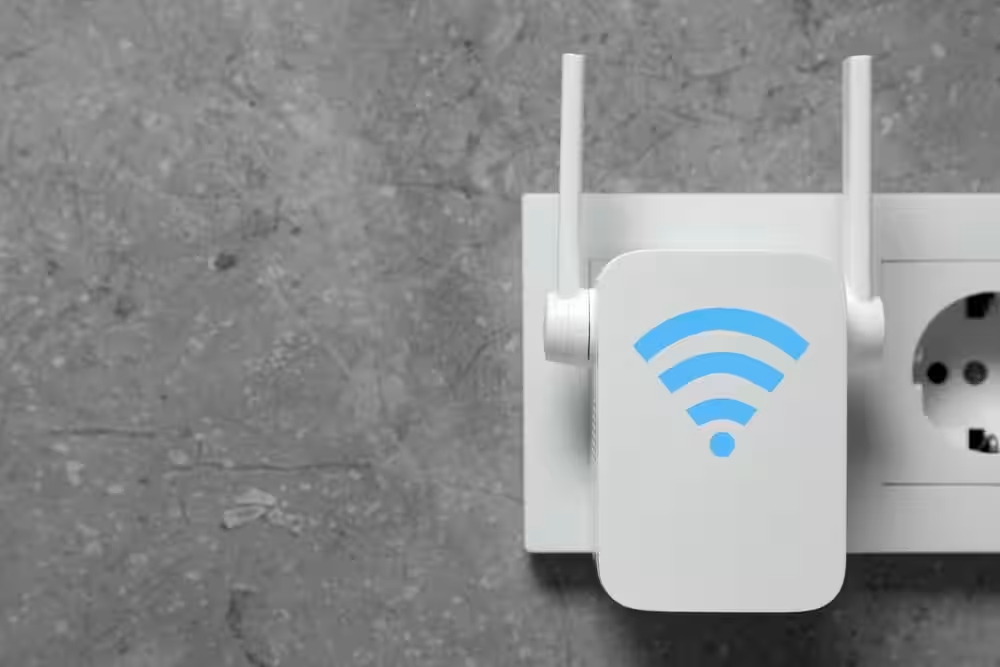
Placing metal near the antennas introduces a second issue. Wireless performance monitoring firm 7signalidentified metal as one of the most disruptive indoor materials because it reflects and scatters radio waves unpredictably. Their March 2026 analysis listed metal, concrete, and plaster with metallic mesh as the three worst building materials for Wi‑Fi performance.
Metal conducts electricity, absorbing energy from electromagnetic waves and weakening signals as they attempt to pass through. While a single coin will not collapse a home network, stacking metallic objects on networking gear runs contrary to best‑practice deployment guidelines.
Why Users May Mistake Random Fluctuations for Improvement
Technical assessments have found no measurable gain from the coin method. Any perceived benefit is more likely the result of normal network variability. A device operating on the 5 GHz band might temporarily show higher throughput after the router switches to a less congested channel. Channel reallocation, client roaming, and shifting load from neighboring networks all produce ordinary ebbs and flows.
When someone places a coin on the router, observes a speed uptick, and attributes it to the coin, they are conflating correlation with causation. The persistence of the myth illustrates how quickly unverified tech hacks spread when no one checks the data.
Key Factors That Actually Influence Home Wi‑Fi Quality
Effective home networking hinges on well‑understood environmental and configuration variables. The most critical factor is router placement: a central, elevated location free of obstructions yields markedly better performance than any untested home remedy.
Certain areas are particularly problematic. Kitchens generate electromagnetic interference from microwave ovens and other appliances, especially on the crowded 2.4 GHz band where Bluetooth devices, cordless phones, and baby monitors also compete. Large metal appliances such as refrigerators and filing cabinets reflect or absorb transmissions. Windows allow signals to escape outdoors rather than reaching indoor devices.

The 7signal study reinforces this point. Dense construction materials such as concrete create severe barriers; a National Institute of Standards and Technology investigation measured a loss of over 55 dB at 5 GHz through 203 mm of concrete. Reinforced concrete and brick‑faced masonry also rank among the toughest obstacles for signal penetration. The thicker the material, the harder it is for radio waves to pass.
Plaster with metallic mesh, common in walls and ceilings, adds another layer of attenuation. The plaster itself hinders signals, while the embedded metal lath further blocks transmission. In contrast, lighter materials like drywall, plywood, and standard glass have minimal impact on Wi‑Fi, though tinted or double‑glazed glass can contain metal components that cause interference.
In summary, the coin‑on‑router trick is a baseless myth that offers no real benefit and can even degrade performance by obstructing ventilation or introducing metal‑induced interference. Genuine improvements stem from optimizing the physical environment, not from attaching spare change to networking equipment.
This article has been fact checked for accuracy, with information verified against reputable sources. Learn more about us and our editorial process.
Last reviewed on .
Article history
- Latest version
Reference(s)
- “These 3 Materials Are the Worst for Wi-Fi Signals.” <https://7signal.com/blog/worst-building-materials-for-wi-fi/?utm_source=chatgpt.com>.
Cite this page:
- Posted by Zara Tariq